 unblurt
macOS
macOS 11 or later. Lives in the menu bar. Asks for Accessibility once so it can copy and paste for you.
One app, every desktop. Free while in beta.
make it
clear.
macOS 11 or later. Lives in the menu bar. Asks for Accessibility once so it can copy and paste for you.
Windows 10 and 11. Lives in the system tray. No admin rights needed for the per-user installer.
X11 desktops. On Wayland the popover works, but auto copy/paste may need a manual paste.
The open-source engine unblurt runs on.
Sign in with the provider you already use, or point it at a local model.
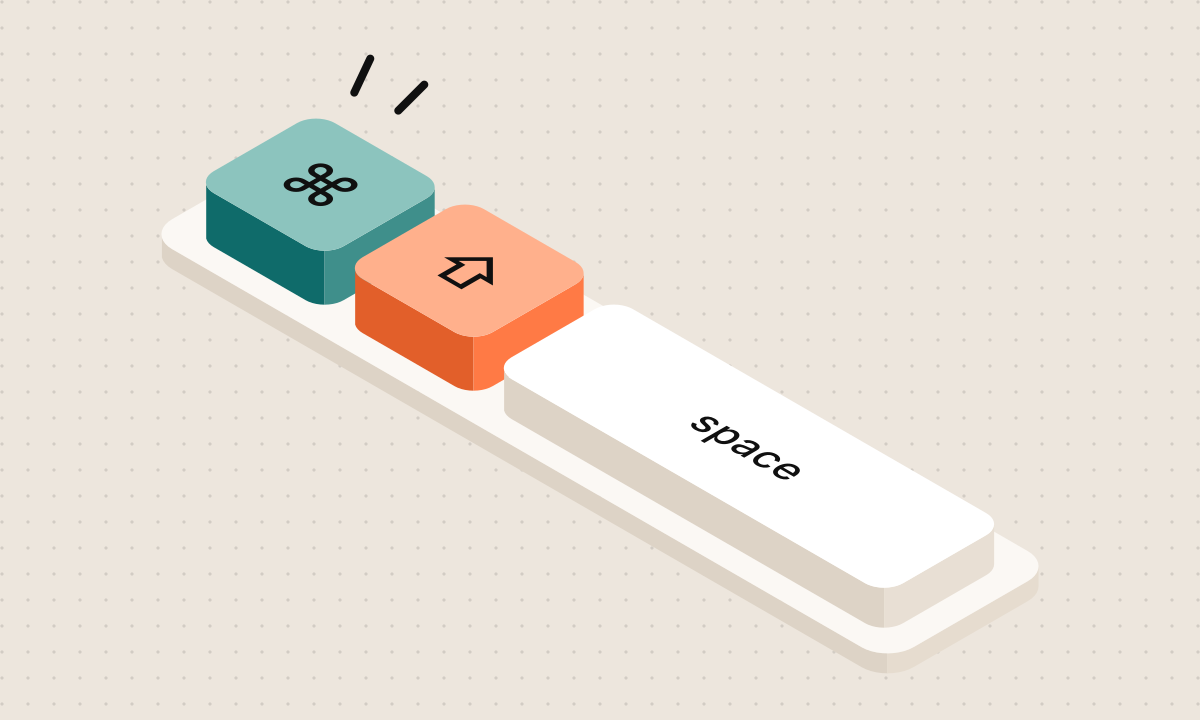
It starts the engine by itself. Pick your model in settings, then press ⌘ ⇧ Space anywhere.
No. unblurt is text to text. You type (or select) the messy version; it hands back the version you'd actually send. Same one-shortcut ease, no microphone.
To the opencode engine on your own machine (127.0.0.1), and from there to whichever model provider you connected. There is no unblurt server, and each rewrite's session is deleted right after.
Anything opencode supports: Anthropic, OpenAI, Google, OpenRouter, GitHub Copilot, local models through Ollama or LM Studio, and more. Small fast models feel best, since rewrites are short.
The beta builds aren't signed with a paid Apple or Microsoft certificate yet, so the first launch gets a warning. On macOS, open System Settings, then Privacy & Security, and click Open Anyway next to unblurt (or right-click the app and choose Open). On Windows, click More info, then Run anyway. You only do this once.
To read your selection and paste the result, unblurt presses copy and paste for you. macOS requires Accessibility permission for that. Without it you can still type into the window and copy the result.
Briefly, to read your selection, then it puts back what was there. After a paste, the new text stays on your clipboard so you can paste it again.
A slim tab on the left edge that does the same job as the shortcut, for when your hand is on the mouse. Drag selected text onto it and unblurt opens with that text, right next to the plate. Your original stays where it was, and paste replaces it when you're done. Hover it for three quick buttons: Rephrase or Shorter on whatever you have selected, or Clipboard for what you last copied. Grab its dots to move it to any side or corner of your screen, or hide it in settings.
Yes. Open settings from the menu bar or tray icon, or press ⌘ , inside the window. Pick one of the presets, or choose custom and press any combo you like. unblurt tells you if another app already owns it.